
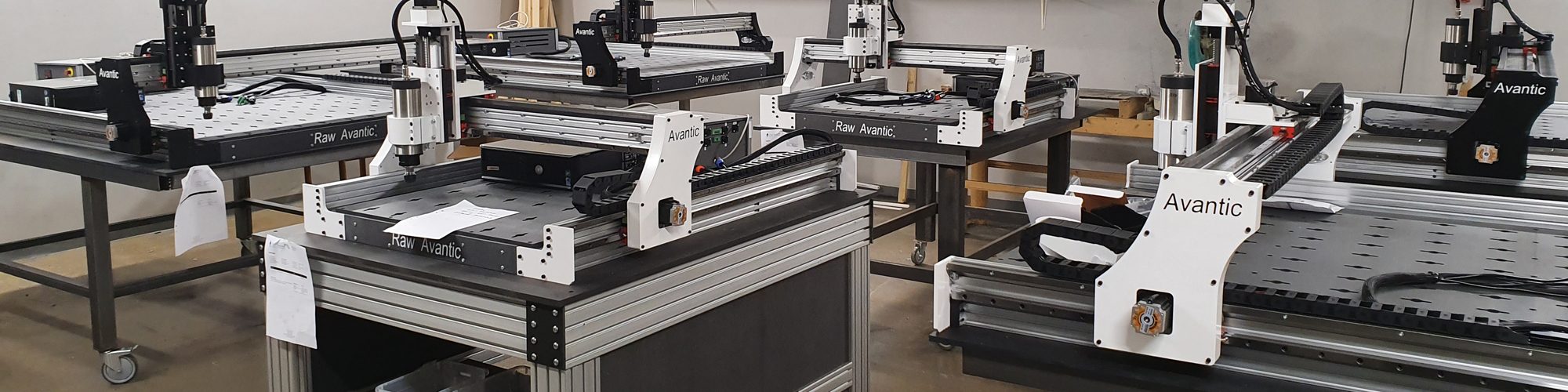
Raw Avantic support
You will also find support in the forum.
Before you read on, we would like to point out how important lubrication of guide rails and ball screws is. Most often, many errors, such as incorrect positioning or uneven cuts, are due to the rails being dirty and unlubricated. Make it a routine to blow clean rails with a compressed air after each working day. After approx. 8 hours of cutting, you should lubricate the rails. The easiest way to lubricate the rails is with spray grease type W40. W40 is a fatter oil and recommended as lubrication. You also have lubrication nipples on all bearings, but spray lubrication is easier. Spray the rails and run over the grease a couple of times and they will stick to the bearings.
Problem: The machine stops after about 20 minutes and it is not possible to continue.
This is a Windows bug that only affects certain computers and has nothing to do with the machine itself. Even if you set the computer not to hibernate, it can still do so. This happens when the computer is inactive when you are running longer programs. We have a simple solution for that and you only need to install a program that prevents the computer from hibernating. The program is a so-called Macro that performs a keystroke every minute so that the computer thinks the user is active. Download this program: caffeine.exe Install it on the computer that controls the machine. If you start that program before you do a long run, it prevents the computer from going into sleep mode. You can also set the computer so that the program starts automatically every time Windows starts, then you don’t have to think about it, do this:
In Windows 7 and earlier versions of Windows, the Start menu contains a “Startup” or “Autostart” folder to make it easy. On these versions of Windows, you can simply open your Start menu and right-click on the “Startup” or “Autostart” tab, then select “open folder”, find Caffeine.exe and drag it into the folder or right-click on Caffeine.exe copy and paste into the folder. The next time you start Windows, the Caffeine program starts automatically.
Do you recognize any of these problems?
The machine runs slowly, the machine does not respond to any or all switches, the machine “chops” when I run it with the arrows, one side of the machine lags.
See if you have not moved the Z-axis too high so that the switch is triggered, also see all the other switches. When a switch is activated, the machine goes into a fail-safe mode and runs slowly. All other switches are then disabled and the machine behaves differently. To see if a switch is triggered, go to the Diagnostics tab in Mach3. If any lamp lights up yellow, a switch has been triggered. Back away from the switch and see if the light goes out.
One of the motors is stuttering or unresponsive when I run the machine
- Most likely Cable fault. Motors rarely or never break down. One likes to suspect the motor, but it is probably the cable that wears off. Measure with the Beep function on your multimeter between the Green and Black cable. If it is ok, the multimeter should beep. Measure at the connector in the box (you can open the connector if you have plugs or measure on the screws if you have screw terminals). Then try red and blue cable, same thing there, it should beep. If it doesn’t, the cable is off. Keep in mind that the cable may appear intact in some positions but loose in others as the break may occur when the cable bends.
One or more motors jerk/chop when the spindle starts or brakes
This is unusual but can happen. The frequency converter in the electrical box emits an extremely large amount of interference, and therefore the spindle cable must be grounded and shielded properly. Interference can leak out and disrupt the power from the box to the computer, causing the noises/hacks. These interferences can also affect the cutting results so be sure to correct it if you notice this problem.
Solution
- Separate computer and electrical box.
- Make sure that the cable does not cross the power supply from the electrical box and computer.
- Move computer to the other side if necessary. If none of the above works, try another LTP cable (The cable from the electrical box to the computer)
- Thread one or more ferrite rings around the LTP cable.
The machine does not start
- Check that the power switch is pressed all the way in.
- Make sure the stop button is not pressed. Turn the knob so it pops out otherwise the machine will not work
- With the power disconnected from the machine, check that the fuse on the On / Off button has not blown (There is still a fuse in the switch that can be removed, without opening the box)
- Make sure the LPT cable is fully inserted into the computer (common problem) If it sits even the slightest bit crooked, it loses signal.
Spindle motor tries to start but cannot rotate
- With the power disconnected from the machine, try turning the spindle by hand. If the spindle cannot rotate, please check the reason and contact us if you find no fault.
- Cable fault, measure each cable and see if it is off. It can make contact in some situations but slip in others. Start the spindle and run it around manually and see if it chops or stops.
- Spindle defective. Replace the spindle.
- The spindle air intake may be blocked and cannot cool, the spindle may have been damaged. Replace the spindle.
The spindle overheats
Typical reasons are dull cutting tools or too low a speed, an air-cooled spindle should not be run below 10,000 rpm
Squealing sound
- Check the bearings.
The spindle slows down during a cut
- Worn cutting tools. Replace the tool.
- Feeding is too fast. Slow down the feed rate.
- Feed and spindle speed are not correct. Adjust feed and speed.
The machine vibrates
- The machine is not level on the bench. Adjust the machine again and make sure it does not move. Also see if the insert is not out of balance
The machine cannot be driven home (Ref all home) or the switches are defective
- Are the LED lights on? if not, the cable supplying 24V is off or loose at the plug. Without 24V, the switches do not work.
- Have you changed any settings in the control software?
- Make sure the stop button is not pressed. Turn the knob so it pops out otherwise the machine will not work
- Are the switches connected, damaged or misaligned? Make sure the LPT cable is fully inserted into the computer (common problem) If it sits even the slightest bit crooked, it loses signal.
Jobs are processed inconsistently
- Check that the springs that press the motors against the rack are working correctly. Start the machine so that the motors are “locked”, grab one of the shafts and gently slide it back and forth. The machine should not move at all (play). If the machine is moving, the spring does not push the motor against the rack. To solve it, you can push the engine up and down a couple of times, there may be debris in the way. If that doesn’t work, you can remove the side plate and loosen the screws on the motor plate (the bearing bolt and the 2 screws that push the motor plate to the side plate) loosen the screw 1mm and see if it gets better. Be careful not to cause more play. Contact us if you are unsure.
- Check if gears or shaft coupling are tightened or damaged. If loose, tighten; if it is damaged, replace it.
- Check if the sliding bearings are damaged.
The depth of cut is inconsistent
- Check that the spindle does not sit too high in the spindle mount, if it does the Z-axis goes to the bottom and does not reach down. The spindle shaft should be approx. 6-7cm below the holder
- Make sure the consumable table is flat and clean before doing the job.
- Check for excessive play in the Z-axis screw drive mechanism.
- Check that the end mill is firmly seated in the spindle sleeve. A common problem is that it is loose so that the insert slides up or down.
- Check your files, usually the errors are in the files.
I don’t get perfect squares when I cut
The machine is probably a little crooked. Your machine has two calibration switches on the right and left side of the machine. The switches are on the side plates and touch an aluminum angle to know how far the machine should go. After you have done your “Ref all home” routine, you can measure from the corner plate to the side plate on both sides of the machine. The measurement must be the same for the machine to be 90 degrees. If it is not correct, loosen the aluminum angle in front of the switch and move it backwards or forwards and try until it is correct. If you have round switches, they are adjusted with the nut that is on the switch itself.
I don’t get perfect circles when I cut
Slow down when cutting circles. Small circles under 20 mm should be cut very slowly so that the machine does not overturn. Aim for 500-1000mm/min for small objects